
Clipex icon

Clipex

Reverse Audio Editor Clipex

Reverse audio, pull sound from video, and export cleanly without desktop tools.

Clipex brings common audio tasks into one simple mobile workflow, so you can edit, convert, and export without bouncing between apps.

Download on the App Store MP3 Converter & Ringtone Maker
Reverse singing and trend edits Audio extraction from saved videos Custom iPhone ringtones Quick exports for sharing or DAWs
  • Reverse audio with one tap
  • Extract sound from any video
  • Turn clips into ringtones and MP3 exports
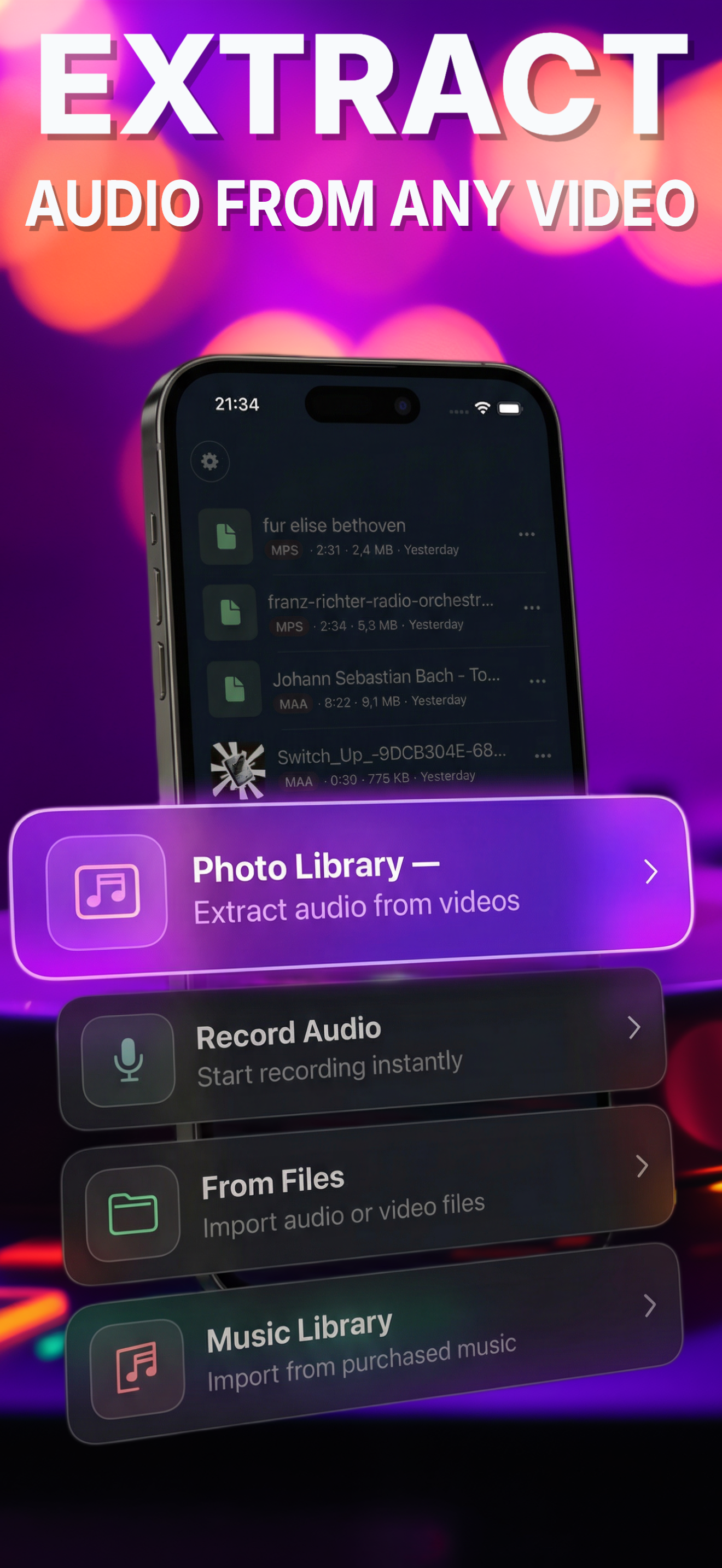
Clipex extract audio screen

Why Clipex

Your complete audio toolkit for everyday edits and trend-ready effects.

Extract audio from any video in seconds, reverse clips with one tap, add effects, and create custom ringtones without leaving your phone.

  • Import videos from your camera roll, Files, or anywhere and extract the audio track in seconds
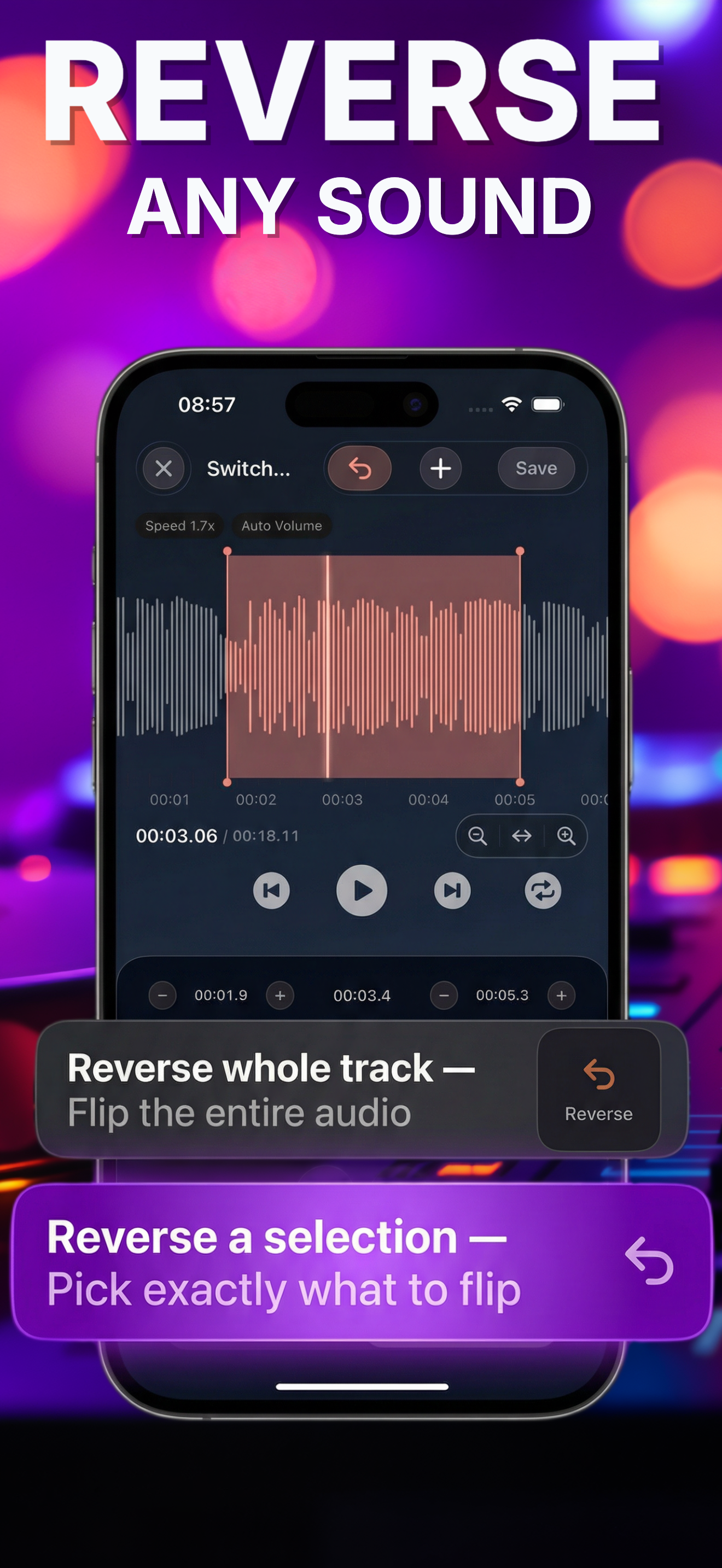
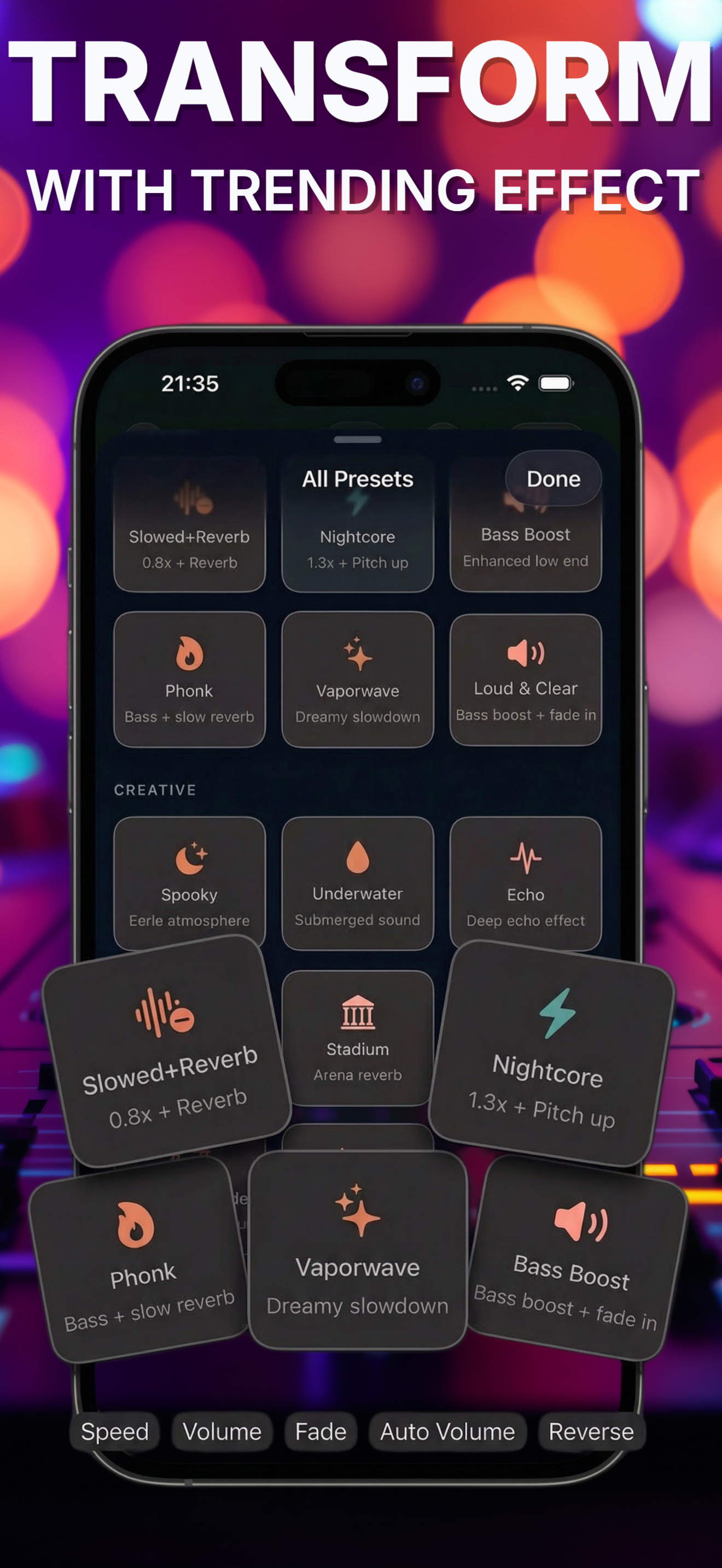
  • Reverse any clip, trim with waveform precision, and apply presets like Slowed+Reverb, Nightcore, and Bass Boost
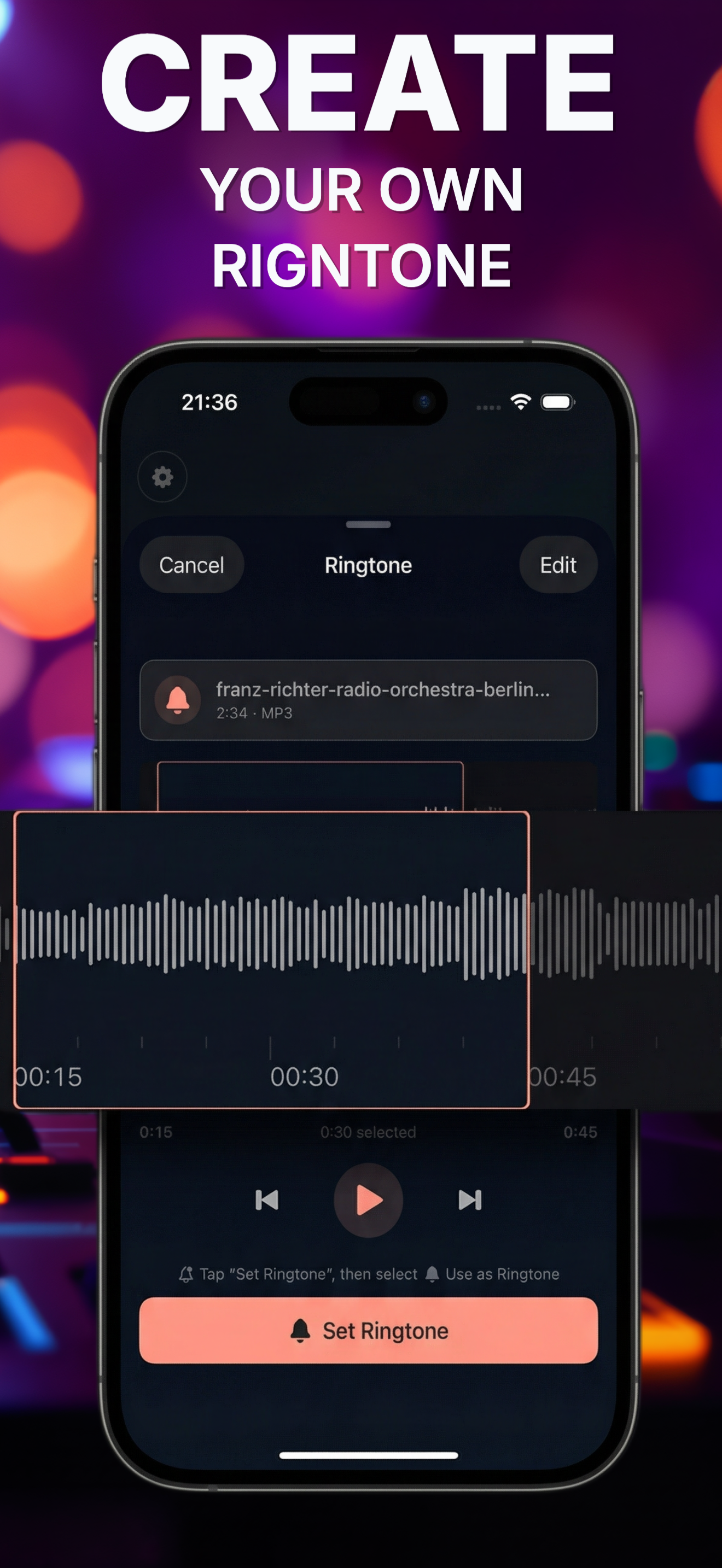
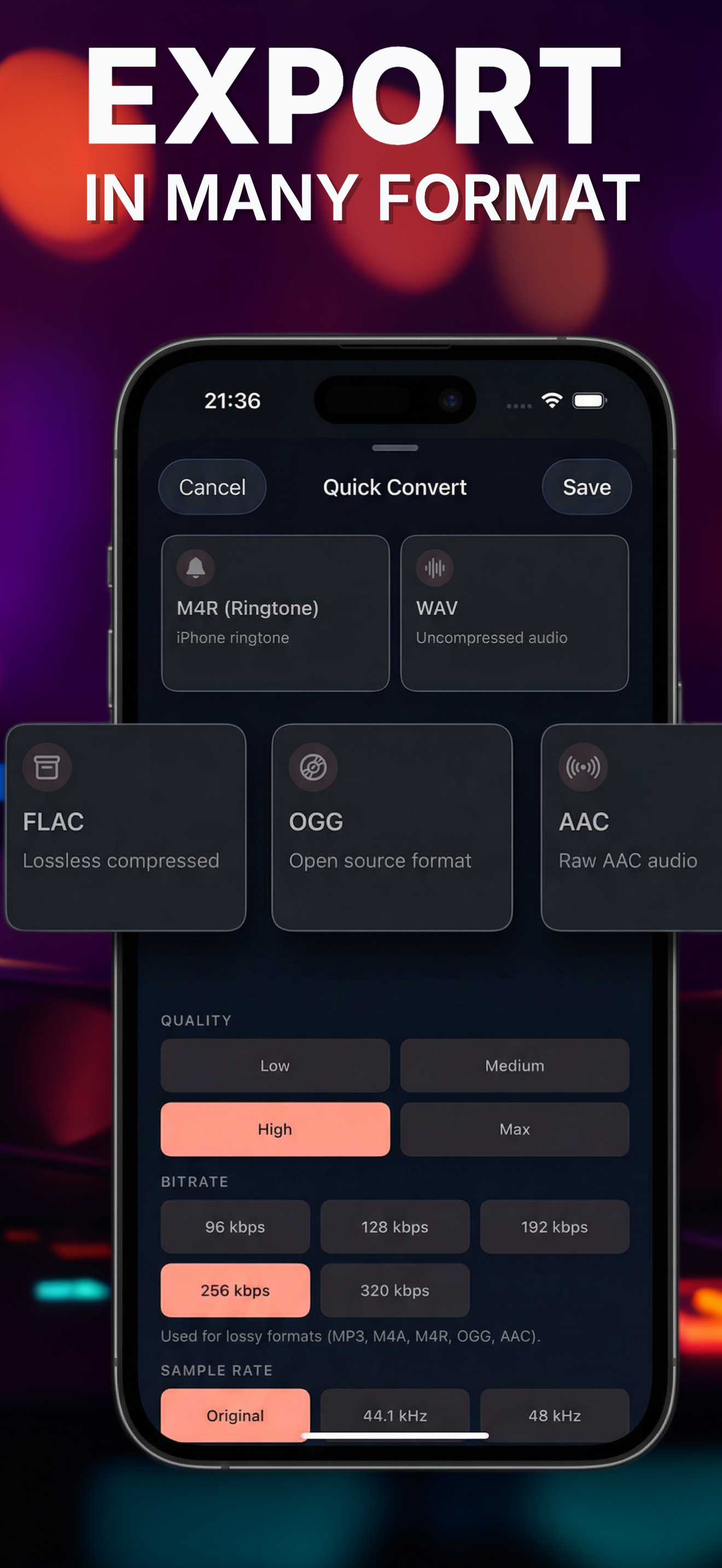
  • Turn any sound into a custom iPhone ringtone or export in MP3, M4A, WAV, FLAC, and M4R
Reverse Any Sound
Clipex reverse audio screen
Transform With Effects
Clipex effects screen
Ringtone + Export
Clipex ringtone maker screen

Built around outcomes people search for

Reverse audio, convert to MP3, extract from video, and make ringtones all live in one clear flow.

Feels creator-friendly on a phone

Waveform trimming, effect presets, and multi-format export make it useful beyond novelty edits.

Private and practical

On-device processing and direct export options keep the app feeling fast instead of heavy.

Formats And Flexibility

One app for quick edits, creator experiments, and clean exports.

Whether you are pulling audio from a saved video, making a ringtone, or exporting for another tool, Clipex keeps the workflow compact and practical on iPhone.

MP3 M4A WAV FLAC M4R Waveform trim
Audio extraction
Clipex extract audio from video screen
Format export
Clipex export formats screen